
The WordPress booking plugin trusted by 70,000+ active businesses to schedule appointments, accept payments, and send reminders — without leaving WordPress.
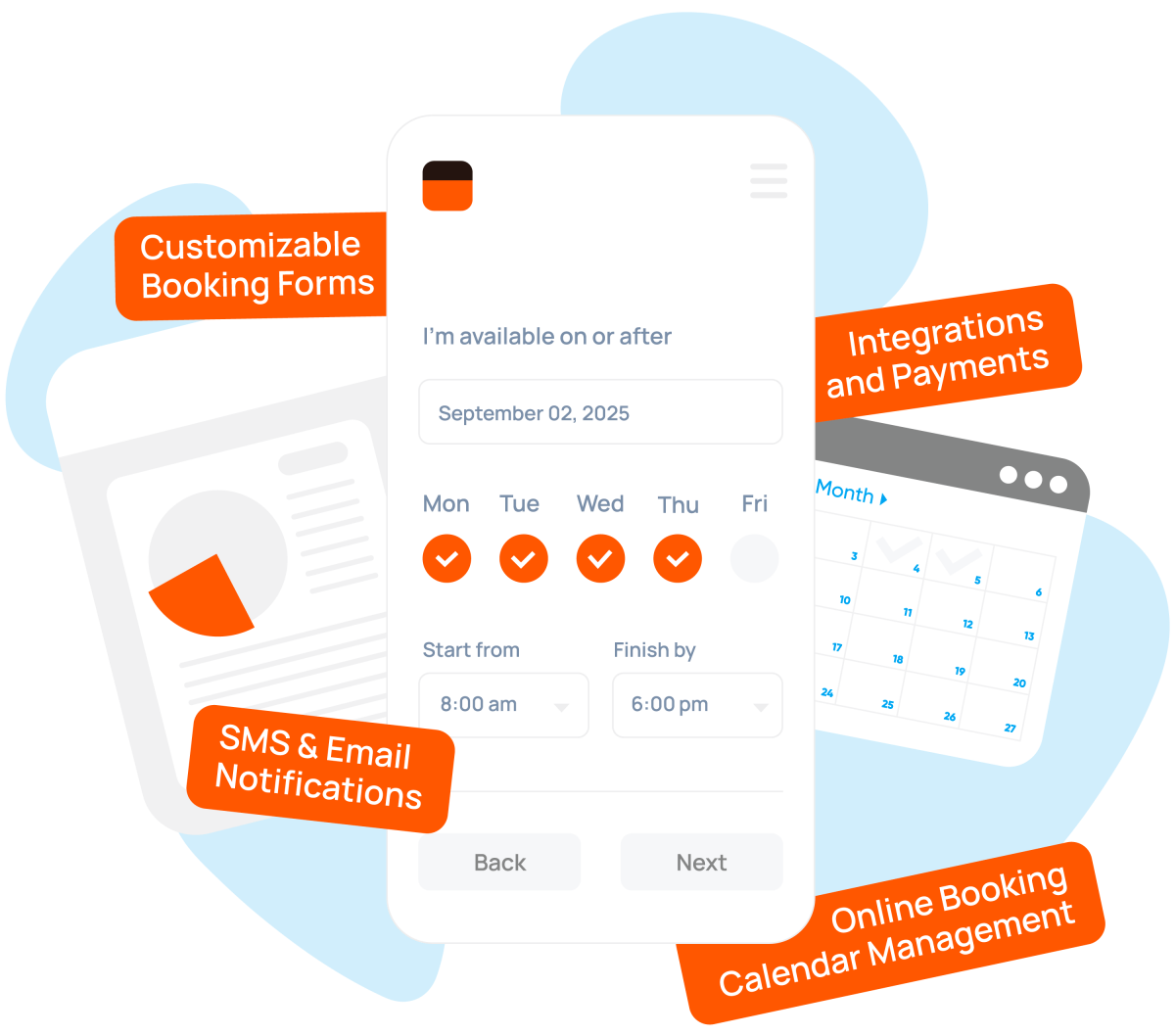
Bookly is the WordPress appointment booking plugin for salons, wellness professionals, consultants, and small service-based businesses — set up the booking form, define staff schedules, and start accepting appointments the same day.
Explore Cases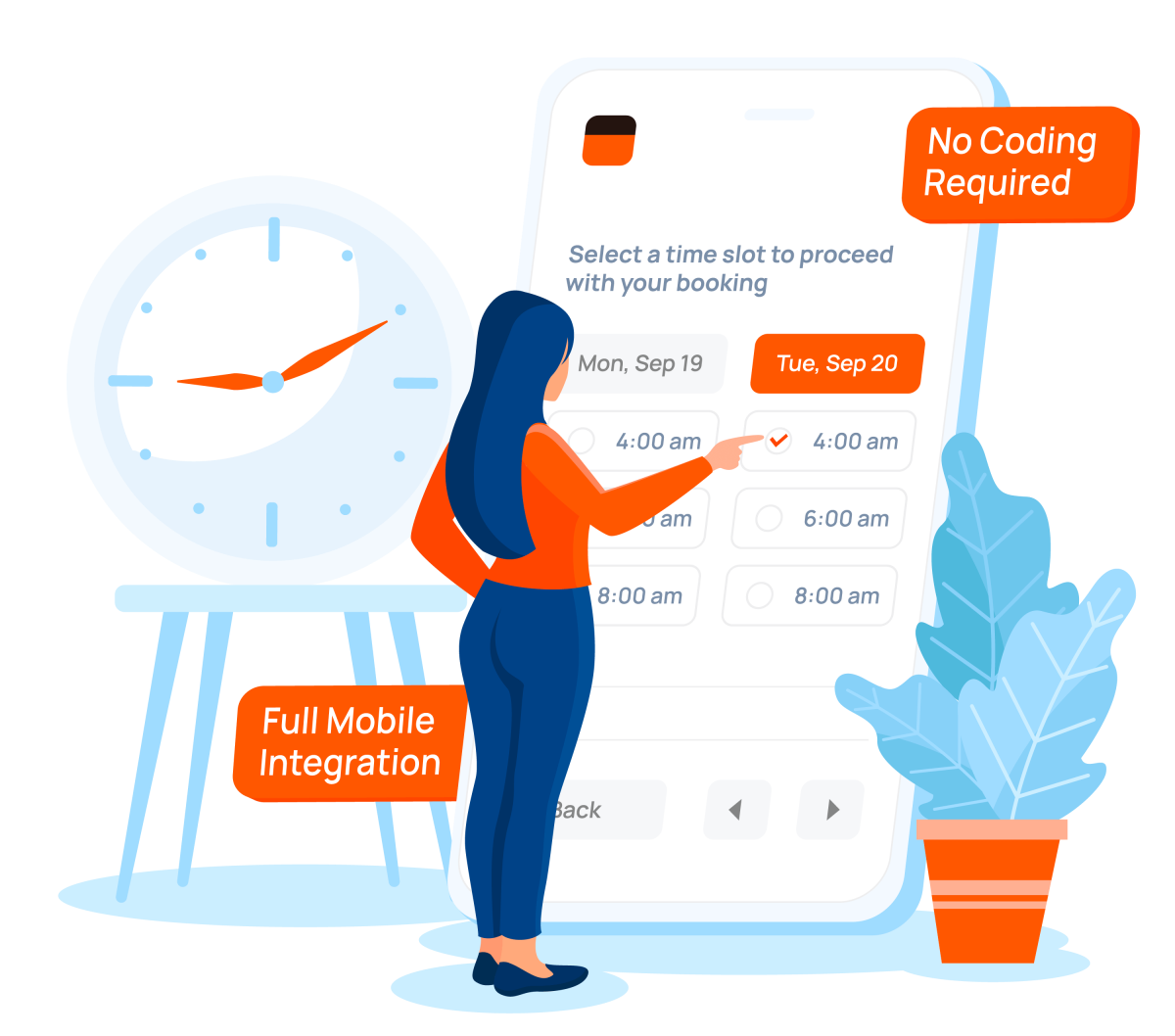
Bookly is the WordPress booking software trusted by 70,000+ active sites, with over 3 million downloads and a 4.5-star rating on WordPress.org. Running directly inside WordPress, it helps businesses manage bookings, payments, and reminders without a separate SaaS platform. Whether you run a salon, studio, or service business, the four capabilities below show how Bookly works in practice.
See your entire schedule at a glance. Bookly’s calendar displays all bookings by day, week, or month, with filters for staff, service, or location.
Manage appointments and update statuses in seconds – all from your WordPress dashboard.
See how the calendar works →Bookly’s booking form can be added to any WordPress page with a shortcode and automatically matches your site’s theme. Customers select a service, choose a time, and book in a mobile-friendly interface.
Custom fields let you collect the information you need before the appointment, including intake details and optional add-on services.
Try the booking form →Bookly automatically sends confirmations, reminders, and follow-ups by email, SMS, or WhatsApp. Set the timing once and every customer receives the right message automatically.
Use built-in templates or customize messages for specific services. Automated reminders help reduce no-shows and keep schedules running smoothly.
See reminder options →Connect Bookly to Google Calendar for two-way synchronization. New bookings appear in Google Calendar instantly, while blocked time stays unavailable for booking.
Support for multiple staff calendars, Google accounts, and recurring sync keeps your team’s schedules aligned automatically.
Set up calendar sync → Google Calendar


Bookly is ideal for my hair salon. I have a clear overview of all my appointments and can configure everything individually. Employees can be assigned according to their shifts, and vacation times can be stored. I've been using Bookly for four years without any downtime! The support and resolution of questions are very good and quick! Thank you very much.
Exceptional Service and Great Support! I haven't experienced such competent, friendly, and efficient technical support in a long time. Thank you very much for everything! This is an example of how customer service should be. Absolutely recommended!
Bookly Was the Best Switch I Made for My Website! I wanted a simple, effective booking system that would not cost me hundreds of dollars in annual renewals. My key requirements were that clients could easily book appointments, I could customize the form fields, and the system looked good on my website. Bookly has made managing bookings on my website simple, affordable, and stress-free.
This is truly the best booking plugin. I've been using it on four websites for five years now, and everything works perfectly. I only needed support once, and the team resolved the issue in just half an hour. Don't hesitate to trust this product!
I've been using Bookly PRO for a while now, and I must say it's one of the best appointment booking and scheduling software solutions available. It's user-friendly, highly customizable, and packed with features that streamline the booking process for both clients and businesses. The sleek design and seamless integration with websites make it a perfect choice for professionals who want to offer a smooth online booking experience.
Bookly is great for freelancers who want to make their services bookable online. I use it for many of my clients. The plugin is comprehensive, covering a wide range of situations. The support team is also very attentive. Thank you very much!